Play Backgammon Against the Computer
Play against the computer at six difficulty levels, from Beginner to GNU Backgammon. Start a game in your browser: no accounts, no downloads, no apps to install.
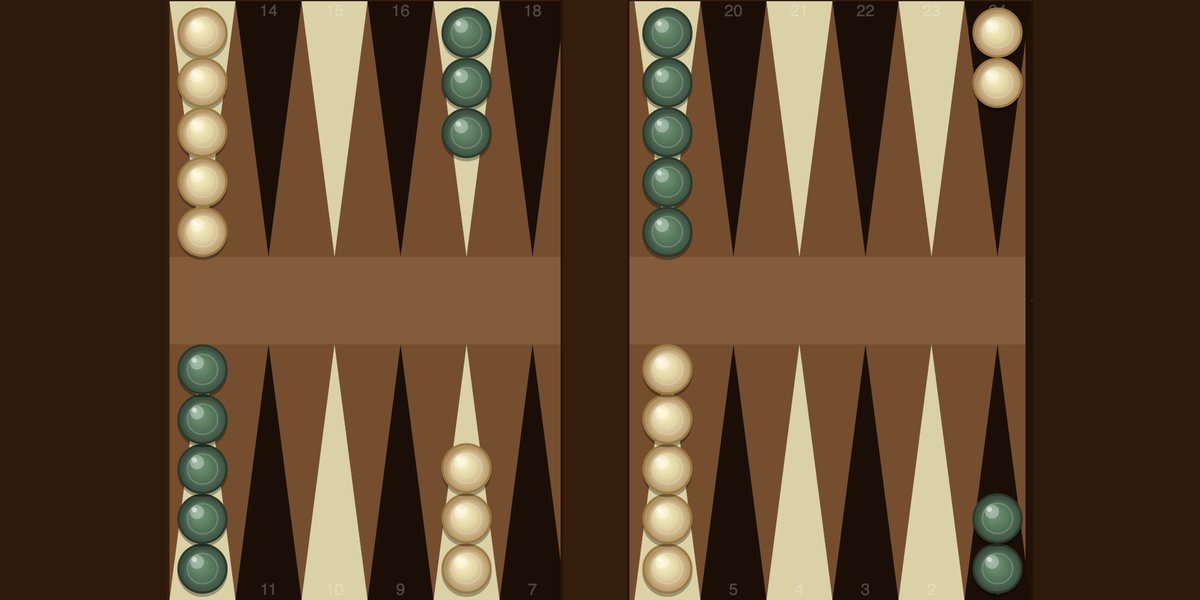
How It Works
Getting into a backgammon game against the computer takes just a few clicks. Here's the entire process:
Start a computer game
Tap Play Now to open a game against the computer. Your opponent is ready whenever you are.
Choose your difficulty
Start with Beginner if you’re learning, or try Intermediate if you know the basics. Expert and Grandmaster offer a stronger GNU Backgammon challenge.
Play
Roll the opening dice and play. You can change difficulty in the game whenever you want a different challenge.
Why GammonMatch for Playing the Computer
Practice backgammon without waiting for another player, creating an account or installing anything. Choose an opponent that suits your level and get straight to the board.
No signup
You don’t need an account. No email, no password, no registration wall.
Any browser, any device
Works on iPhone, Android, iPad, laptop or desktop. Open the game in your browser and play.
Six difficulty levels
Beginner, Novice, Intermediate, Advanced, Expert and Grandmaster. Choose the challenge that works for you.
Full rules
Move, hit, enter from the bar and bear off. Gammons and backgammons follow the standard rules.
An opponent ready to play
Play a solo game whenever you like, without matchmaking or waiting for a friend to join.
Completely free
No ads, no premium tier, no coins to buy. Just backgammon.
Practice at Your Own Pace
Whether you’re learning the rules or sharpening your strategy, playing the computer gives you space to try different moves. Start with a gentler opponent, then step up as you get more comfortable.
The higher difficulty levels use GNU Backgammon. Expert uses one-ply lookahead, while Grandmaster uses two-ply lookahead for a deeper challenge. No dedicated gaming hardware or apps required.
Frequently Asked Questions
- Do I need an account?
- No. You can play against the computer without signing up or creating an account. Open the game and play.
- Can I play on my phone or tablet?
- Yes. GammonMatch runs in any modern browser on iPhone, Android, iPad, laptop and desktop.
- Do I need to download an app?
- No. It’s a browser game: no App Store, no Play Store, no install. Open the game and play.
- Which difficulty should I choose?
- Choose Beginner if you’re learning the rules. Intermediate is a place to start if you already know the basics. Try a stronger opponent when you’re ready.
- Is the computer using AI?
- Yes. The computer chooses its moves automatically. The higher levels use GNU Backgammon, a neural-network-based engine.
- Can I change difficulty?
- Yes. Choose a different opponent from the difficulty selector in the game. Changing the opponent starts a new game.
- Is it actually free?
- Completely free. No ads, no premium difficulty levels, no coins to buy.
- Can I play against a friend instead?
- Yes. You can also create a private game and send a friend the invite link. Neither of you needs an account.
Learn and Improve Your Backgammon
Explore the rules, strategy, and probability behind better decisions, then bring what you learn into your next game against the computer.